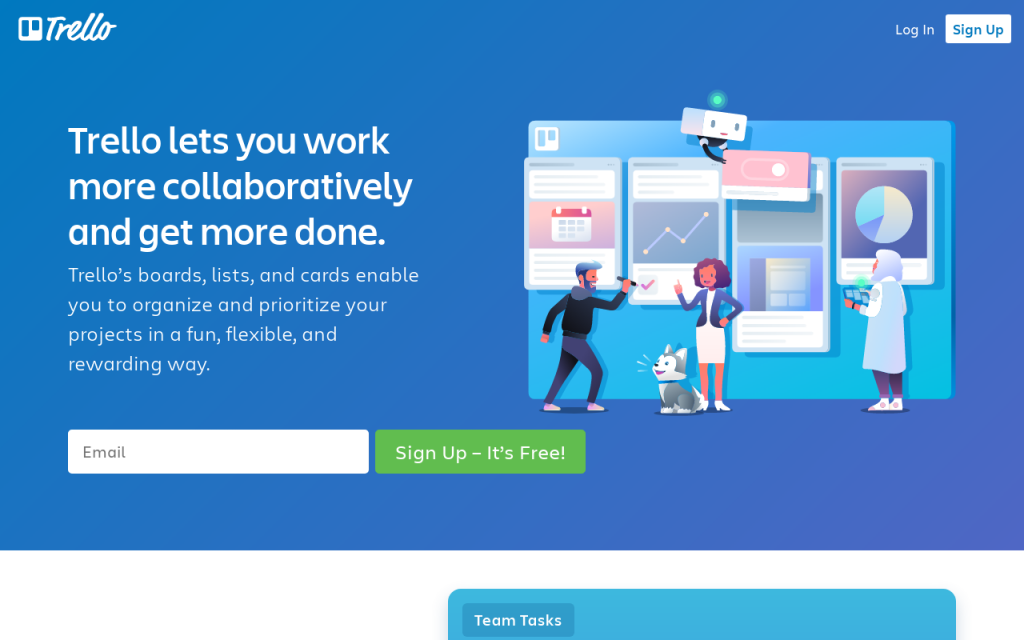
The STOP Method and How to Apply it to Trello

The Sequential Thematic Organization of Publications (STOP) method is a technique used to organize and write reports, proposals, and technical content. It brings greater outlining control to the document and improves its editorial standards. The concept allows writers to develop readable technical documents that users can easily digest. Below we will take a deeper look at the STOP concept, and how you can apply it to Trello. Remember that you can unlock Trello’s full potential by combining it with Power-Ups. For instance, you can integrate your account with Bridge24 for Trello to bring advanced reporting and exporting features to your board.

A Brief History of STOP

The STOP methodology was pioneered by the Hughes Aircraft Company (now Raytheon) in the 1960s. The technique was developed after the company faced challenges in creating proposals. The company needed to draft a huge number of proposals, yet they didn’t have enough authors to handle all these […]

By |2020-07-16T13:14:56-04:00July 16, 2020|

How is Trello Different from Basecamp?

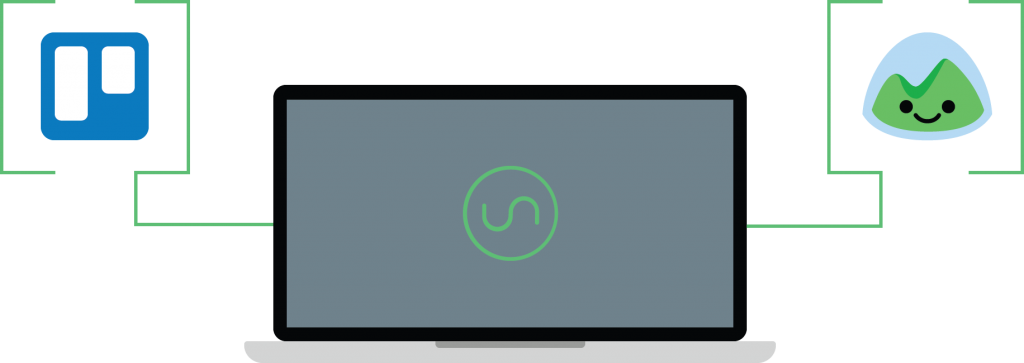
Project management tools have become widely popular among individuals and teams of all sizes when it comes to effectively organizing work and managing projects and tasks. Trello and Basecamp are some of the most popular project management tools today. From managing simple day-to-day tasks to completing complex collaborative projects, these tools make it easy to handle any type of project. But for most people, deciding what tool to use comes down to comparing the options available, including the features provided and integrations they support. 

Both Trello and Basecamp provide powerful productivity and collaboration features and easily integrate with other tools that enhance their capabilities, such as Bridge24, which allows users to view, organize, update & export project information on both tools through a powerful interface. 

Understanding Trello

Trello is easy to use, highly visual, […]

By |2020-07-14T13:50:17-04:00July 14, 2020|

How Do You Use Trello for Agile Development?

There’s a reason why businesses and teams are choosing Agile methodology – it brings changes and flexibility in the business quickly. Teams can manage a project quickly by segmenting it into smaller, manageable chunks of work that are prioritized and iterated on. In every stage of the project, there’s constant collaboration with stakeholders and continuous planning and improvement. Although initially used by software development teams, professionals in other sectors have now embraced agile development and are actively using it to boost their productivity. And thanks to tools like Trello, teams can now apply the Agile methodology to effectively handle projects and tasks.

Trello is a web-based application inspired by the Kanban system, and it smoothly accommodates Agile principles. It’s easy to use and offers a visual approach to project management. Teams can use Trello’s board, lists, and cards to create visual representations of their tasks. The tasks are moved through predetermined stages to track progress and spot bottlenecks. […]

By |2020-07-14T12:31:14-04:00July 14, 2020|

How Can You Export Data from Trello?

Companies are increasingly changing the way they manage their projects. The shift has been fast – more businesses are moving from spreadsheets and paperwork to organizing their work using more productive tools that encourage collaboration. After recognizing the benefits that project management software brings, organizations are now using such tools every day. In fact, studies show that 77% of high performing projects rely on project management to ensure productivity, efficiency, and easier team collaboration. 

When scouting for the ideal PM software, businesses look for three main qualities – reliability, ease of use, and ease of integration. One tool that possesses these qualities is Trello. It’s stable, has a simple interface, has no learning curve, and is flexible enough to take on any project. Millions of Trello users rely on it to organize projects, collaborate, track work progress, get work updates, share resources, and much more. Although an excellent tool, Trello isn’t a complete solution. It lacks some features […]

By |2020-07-10T12:27:07-04:00July 10, 2020|

How to Do a Brainstorm in Trello

Brainstorming is a group creativity technique used to generate ideas to solve problems. In a brainstorming session, members of the group can express their thoughts and ideas, no matter how crazy they may sound, without fear of being judged. Some of these concepts and proposals are refined into solutions, while others lead to the hatching of brilliant ideas. Teams in different business sectors and departments use these sessions to stimulate creative thinking and spark innovation. However, team members are not always able to gather around and hold physical brainstorming meetings. 

When team members work remotely or are distributed across multiple states and even countries, businesses need to look for tools that can help them have an impactful brainstorming session. One of the tools commonly used when teams have a physical meeting to conceive ideas is a whiteboard with sticky notes. However, remote and on-site teams can take advantage of Trello too, a digital whiteboard that makes organizing ideas […]

By |2020-07-10T11:52:07-04:00July 10, 2020|

What Are the Benefits to Software Development Teams from Using Trello?

Trello tends to be one of the most popular project management tools. A bunch of software development teams choose Trello due to its user-friendly interface. Trello platform is available on the web along with iOS and Android apps.

However, there are more reasons to pick Trello for project management. In this article, we’ll discuss the top five reasons why developers prefer this management tool.

Reason #1. Well-Organized Interface

Trello allows creating a bunch of boards and cards. As a result, it’s easy to follow the tasks and manage the progress.

For example, it’s possible to create a board for each software development project and various columns like development, testing, done, and more. As a result, every team member can see the progress of a particular development task.

It’s also possible to assign a specialist for each task.

All these factors make the development […]

By |2020-06-29T14:05:35-04:00June 29, 2020|

Top 10 Best Trello Power-Ups for Analytics and Reporting

Trello is a free visual project and task management tool that is simple on the surface and highly flexible. It’s inspired by the Kanban system and helps divide projects into boards, lists, and cards. Trello is open to interpretation and is versatile enough to take on any project. It provides a platform where you can delegate work, prioritize tasks, track progress, and collaborate with team members. 

While Trello is a great productivity and collaboration tool, it lacks some critical capabilities such as advanced reporting and exporting features that teams need to get new insights from their Trello information. There are many tools that help bridge this gap, such as Bridge24 for Trello and others that also help with analytics. 

The Top 10

Millions of people rely on Trello to organize work projects and personal tasks. And despite its analytical and reporting limitations, users can easily bring their favorite applications inside […]

By |2020-06-24T11:20:32-04:00June 24, 2020|

How to Use Trello for Job Hunting

Hunting for a job can turn into a long and exhaustive grind. You have numerous applications to track, resumes to update, applications to send, interviews to juggle, and recruiters to convince. It takes dedication, determination, and patience before you can finally land the job you want. Although it’s common to encounter ups and downs before your job finding efforts get rewarded, it doesn’t mean the process has to be frustrating and stressful. Trello, a popular project management application, can be deployed to streamline the job-hunting process.

At its core, Trello is a cloud-based list-making tool inspired by the kanban scheduling system. It offers users a simple way to visualize, organize, prioritize, and track work items. It’s open to interpretation, and it can be whatever you want it to be. Trello posses minimal barriers to entry, and anyone can use it to manage personal or professional tasks. However, Trello, in itself, isn’t a complete tool. To […]

By |2020-06-21T09:22:45-04:00June 21, 2020|

Automatization of Your Workflow with Trello

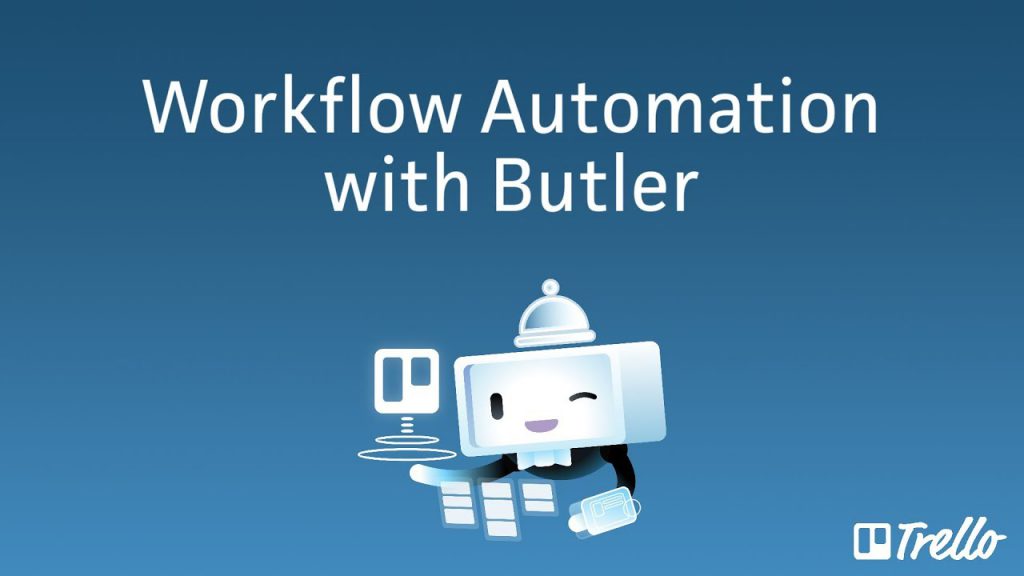
Trello users no longer have to deal with tedious clicks, and endless card drags when trying to bring order to their boards. Thanks to Trello’s adoption of the Butler automation suite, users can now make board and card actions happen automatically. Butler is now a part of Trello’s core features, and it’s helping teams to ramp up their productivity by allowing them to build a seamless process for any workflow.

Trello is a web-based project management application that is simple on the surface. It’s easy to learn and use, very adaptable, and features powerful capabilities that can be used in an infinite number of ways, whether for business or personal tasks. Trello can also be enhanced by connecting it to other tools. One such tool is Bridge24 for Trello, which offers a global overview of all your projects while allowing you to easily export and view the information you want in a more interactive […]

By |2020-06-21T09:19:06-04:00June 21, 2020|

How To Set Custom Due Date Reminders In Trello

When we decide that a task needs to be done by a particular time, we assign it a due date. In business, these due dates play an important role in helping us achieve our objectives. They help us beat deadlines and move one step closer to our goals every day, week, and month. They can inspire, motivate, and give us a purpose. However, without reminders, it’s easy to forget a deadline, especially when you have a tight schedule. To manage multiple projects effectively and avoid missing deadlines, many people turn to productivity tools like Trello.

Trello is a popular project management application with an intuitive interface and feature-rich dashboard. It gives users the power to split projects into tasks, and tasks into subtasks. In Trello, you can set up an unlimited number of boards, lists, and cards, and organize them your way. Cards can be personalized with pictures and descriptions, allocated to others, assigned a […]

By |2020-06-20T21:02:55-04:00June 20, 2020|
Go to Top