About frederic

This author has not yet filled in any details.
So far frederic has created 4 blog entries.

How Bridge24 Synchronizes Your Asana, Basecamp, and Trello Data

(version française)

At Bridge24, we know that trust is the cornerstone of project management. When you connect tools like Asana, Basecamp, or Trello to our platform, you are entrusting us with access to your most strategic information: your tasks, your projects, and your teams.

This is why we have designed our architecture with one absolute priority: your privacy.
Today, we want to pull back the curtain on the technology that powers Bridge24 to explain exactly how we handle your data.

Your Data Stays with You (And Nowhere Else)

The question we are asked most often is, “Where is my data stored?”
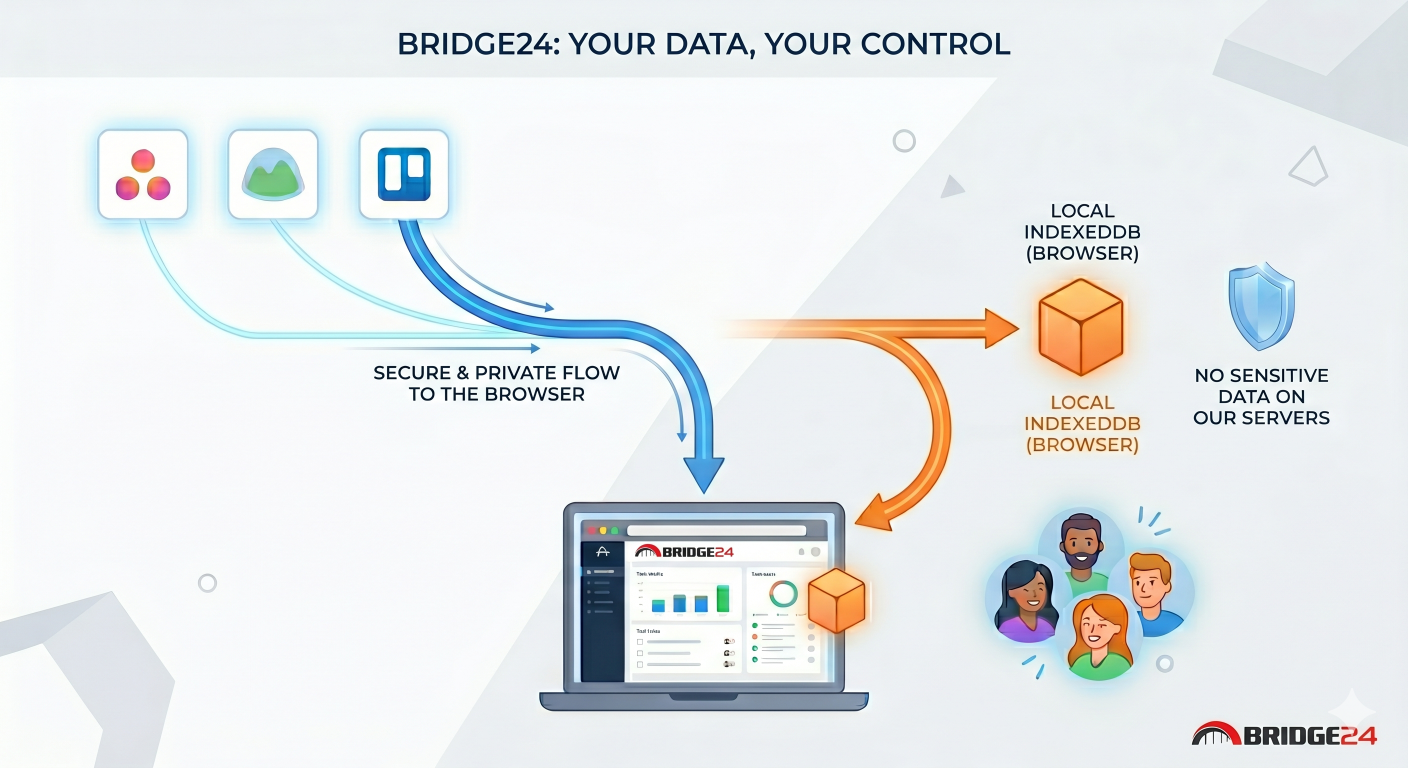
The answer is simple: in your browser.

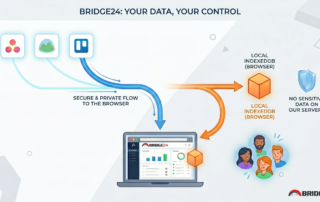
Bridge24 utilizes a technology called IndexedDB. It is a local database built directly into your web browser.
Essentially, when you use Bridge24, we act as an interface for viewing and manipulating your data: we display it, but we do […]

By |2026-04-24T13:58:15-04:00April 24, 2026|

Comment Bridge24 synchronise vos données Asana, Basecamp et Trello

(version anglaise)

Chez Bridge24, nous savons que la confiance est le pilier central de la gestion de projet. Lorsque vous connectez vos outils comme Asana, Basecamp ou Trello à notre plateforme, vous nous confiez l’accès à vos informations les plus stratégiques : vos tâches, vos projets et vos équipes.

C’est pourquoi nous avons conçu notre architecture avec une priorité absolue : la sécurité de vos données.
Aujourd’hui, nous souhaitons lever le voile sur la technologie qui alimente Bridge24 pour vous expliquer comment nous traitons vos données.

Vos données restent chez vous (et nulle part ailleurs)

La question que l’on nous pose le plus souvent est : « Où sont stockées mes données ? ».
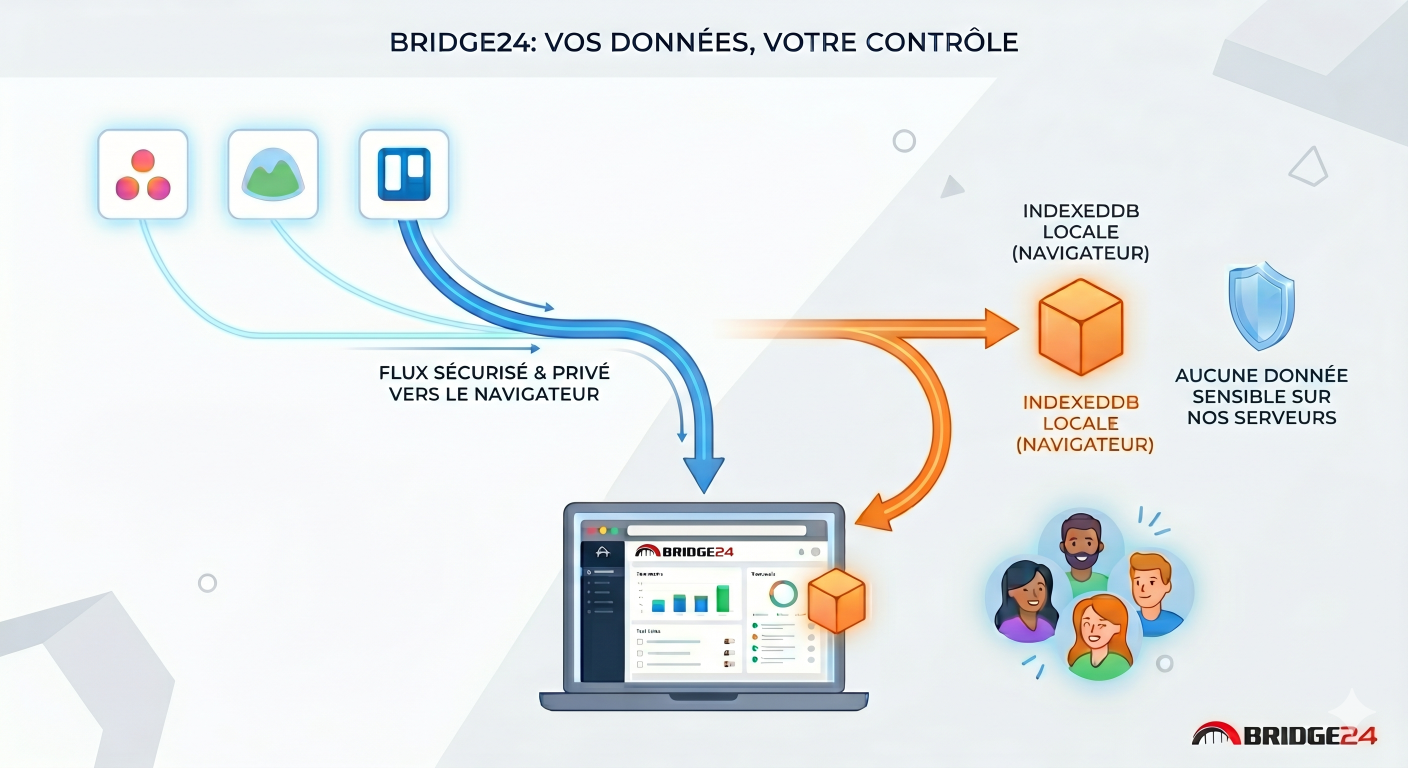
La réponse est simple : dans votre navigateur.

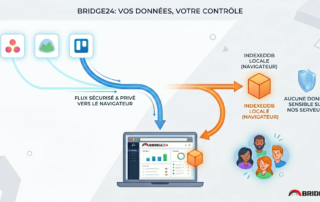
Bridge24 utilise une technologie appelée IndexedDB. Il s’agit d’une base de données locale intégrée directement à votre navigateur web. […]

By |2026-04-24T13:59:10-04:00April 24, 2026|

📎How to Download All Attachments from Asana Using Bridge24

One of the most frequently asked questions about Bridge24 is:
How can I download all attachments from my Asana account?

Here’s a quick guide to help you do just that.

🔍 Important Note: Bridge24 allows you to download attachments only from tasks and subtasks—not from projects, comments, or other entities.

✅ Step-by-Step Instructions

  1. Filter tasks with attachments
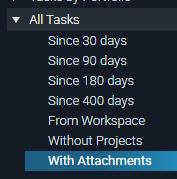
    In the left-hand menu, select “All Tasks / With Attachments” to display only tasks that contain files.
  2. Adjust the task filter
    At the top right, change the filter from “Incomplete Tasks” to “All Tasks” to ensure no attachments are missed.
  3. Export attachments
    Once all tasks are loaded, click the “Export” button in the top right corner and choose “Attachments” from the dropdown.
  4. Start the download
    In the export window, click “Start”. Bridge24 will bundle all attachments into one or more ZIP files for you to download.
By |2025-11-14T09:40:05-05:00November 14, 2025|

Basecamp – All Tasks, One Place

Basecamp 3 offers three types of tasks.

The primary task type — available since the platform’s inception — is the classic to-do.

Later, Basecamp introduced a board view with tasks represented as cards, offering a more visual, Kanban-style workflow.

Within each card, you can add sub-tasks called “Steps.” These steps can have their own assignees and due dates, independent of the card’s main settings.

However, viewing all this information — to-dos, cards, and steps — in one place within Basecamp can be challenging, as it requires navigating through multiple sections.

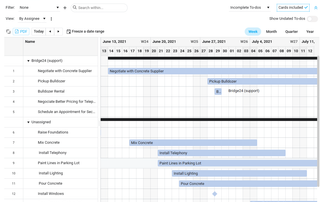
Bridge24 solves this by allowing you to view all these task types in a single, unified interface.

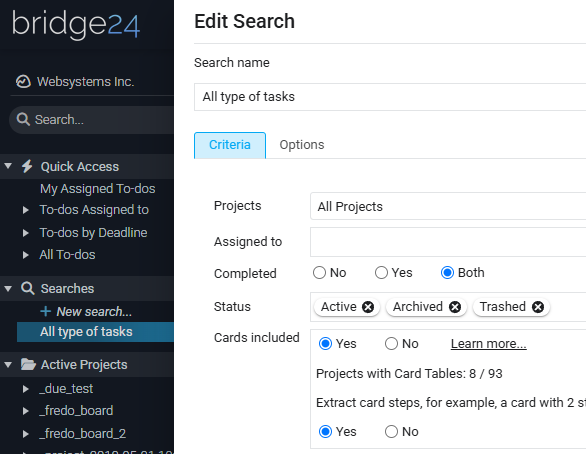
Simply create a search, specify that you want to include cards, and enable the option to expand steps.

Finally, look at the results in the data grid.

By |2025-10-16T10:17:43-04:00October 16, 2025|
Go to Top